 Plain TV Remote
A TV remote app with no ads and no subscription
Plain TV Remote is a TV remote app for your phone that does one thing well: it finds your smart TV on your Wi‑Fi, pairs once and stays paired. Samsung, LG, Vizio, Roku TV, Fire TV and Google TV. One TV is free forever, and Pro is one purchase.
- No ads
- No sign-in
- Pay once
- One TV free forever
Works with Samsung, LG, Vizio, TCL, Hisense, Insignia, onn., Sony and 20 more.
 On a computer? Scan this with your Android phone to open this page there and install the remote.
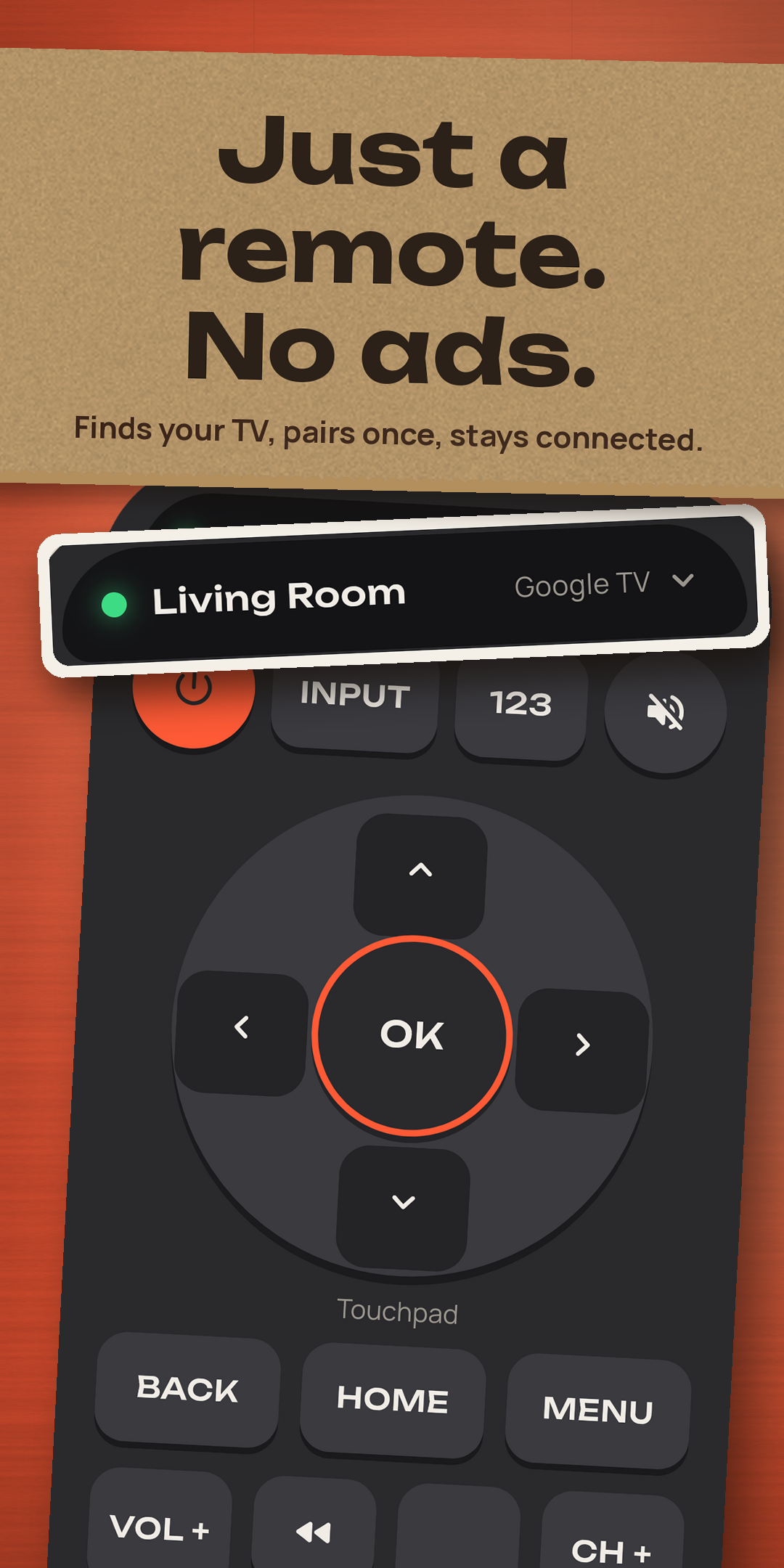
A TV remote app for Samsung, LG, Vizio, Roku TV, Fire TV and Google TV
Plain TV Remote talks to the smart TV system inside your TV, so it works with the brands on the shelf. Pick yours for how to tell which system it runs, how to pair it and the one setting to check.
Not supported: Apple TV, older TVs that only take infrared (Plain TV Remote works over Wi‑Fi, it has no infrared), and TV systems it does not speak: Hisense VIDAA, Xumo, Philips Saphi, Panasonic My Home Screen, LG NetCast and Samsung TVs from 2015 and earlier.
Use your phone as a TV remote in three steps
Same Wi‑Fi
Put your phone on the same Wi‑Fi as the TV. Not a guest network: those keep devices apart.
Tap your TV
Plain TV Remote finds the TVs on your network in a few seconds, by the name each TV gives itself. Not there? Add it by IP address.
Pair once
Type the code the TV shows (Google TV, Vizio, Fire TV), press Allow or Accept on the TV (Samsung, LG), or nothing at all (Roku). Then it just works.
The TV remote app that does not lose your TV
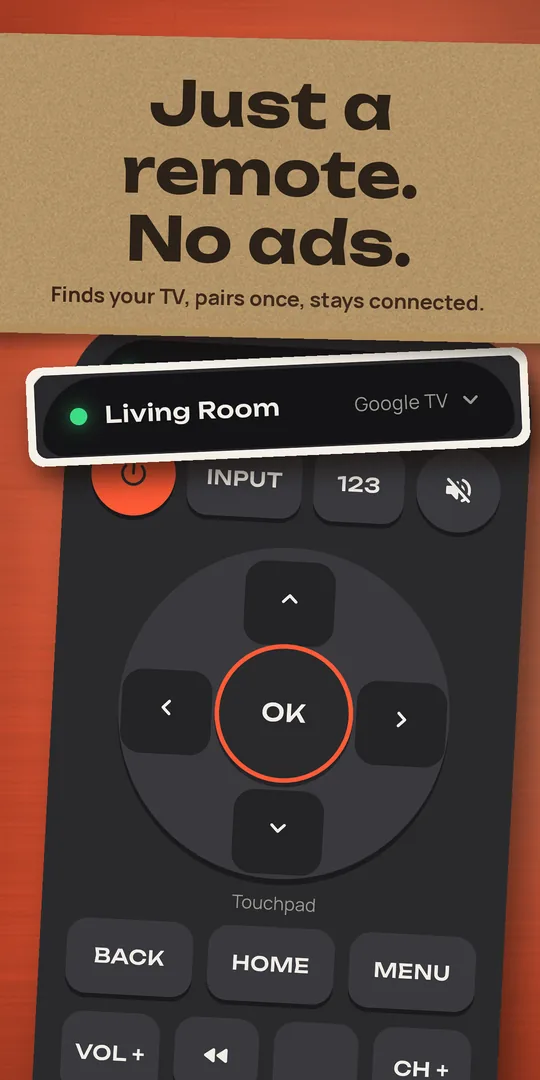
The top complaint about remote apps is that they lose the TV. Plain TV Remote remembers each TV by its own id, not just its address, so it finds it again after a router restart. A light at the top of the remote shows whether you are connected; tap it to reconnect.
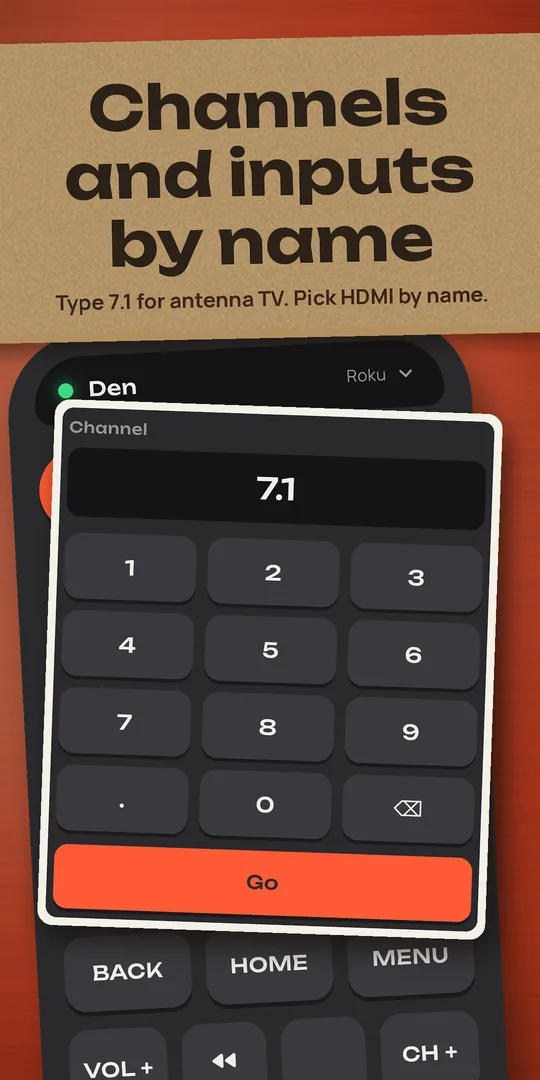
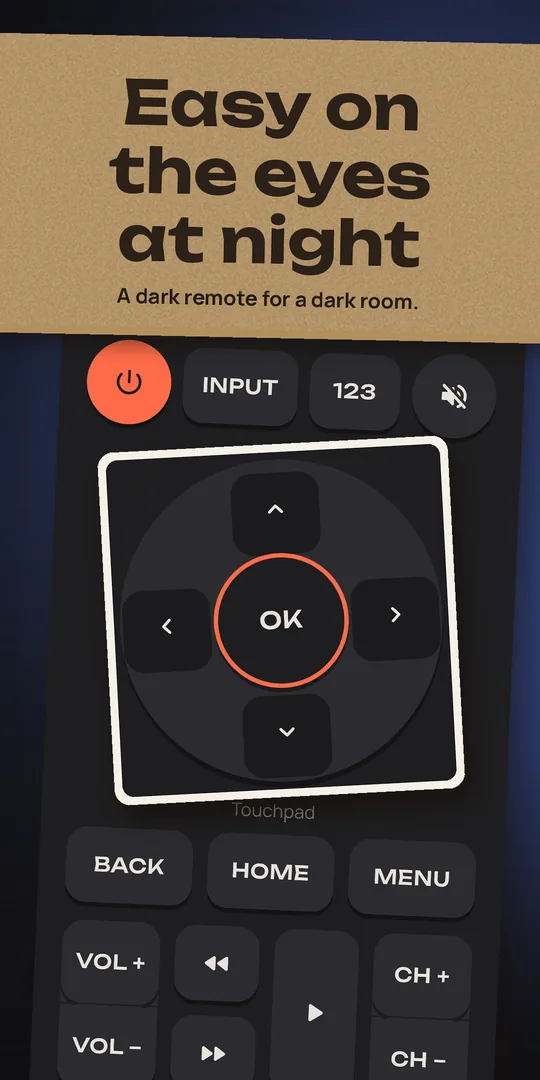
Every key, big and one-handed
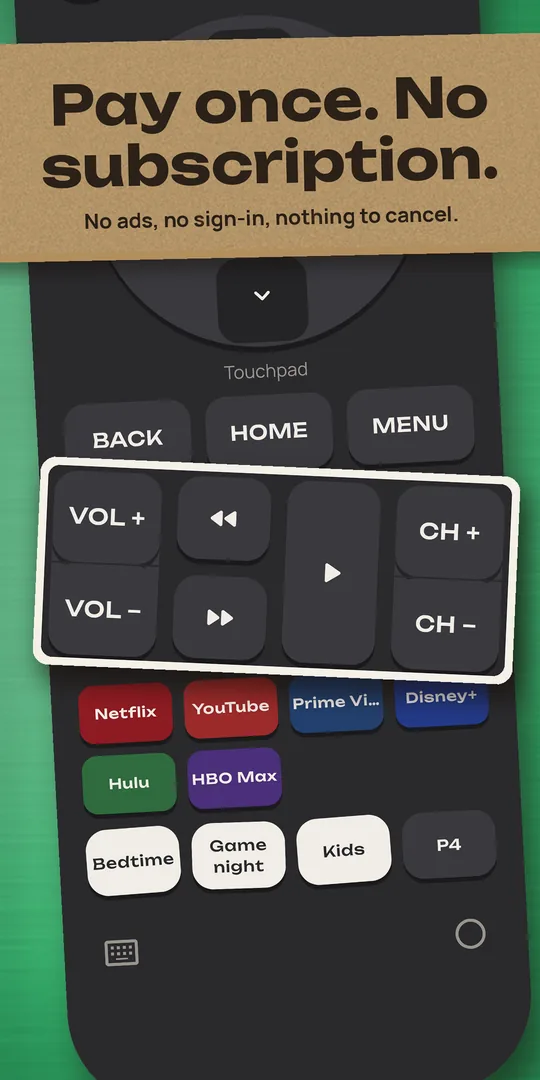
- Power, input, mute, arrows and OK, back, home, menu
- Volume and channel rockers you can hold down
- Play, pause, rewind and fast forward
- A number pad for antenna channels (7.1, 42)
- Pick an input by name: HDMI 1, HDMI 2, Antenna TV
- On Android, the phone’s own volume buttons change the TV’s volume while the remote is open
- Make a lost Roku or Fire TV remote ring, so you can find it in the couch
Your TV, your phone, nothing in between
Plain TV Remote talks to your TV directly on your home network. Your TV’s name, its addresses, its pairing keys and anything you type stay between your phone and your TV. No account, no ads. Anonymous TV compatibility reports (which TV models and features work, nothing about you or what you watch) help us fix TVs that don’t, and you can turn them off.
It works over Wi‑Fi and has no infrared, so it cannot control older TVs that are not smart TVs. Privacy policy
A TV remote app without ads, and without a subscription
Free, forever
One TV, any brand, with every key on the remote, the number pad, inputs by name and power on. No ads, no time limit, no sign-in.
Plain TV Remote Pro
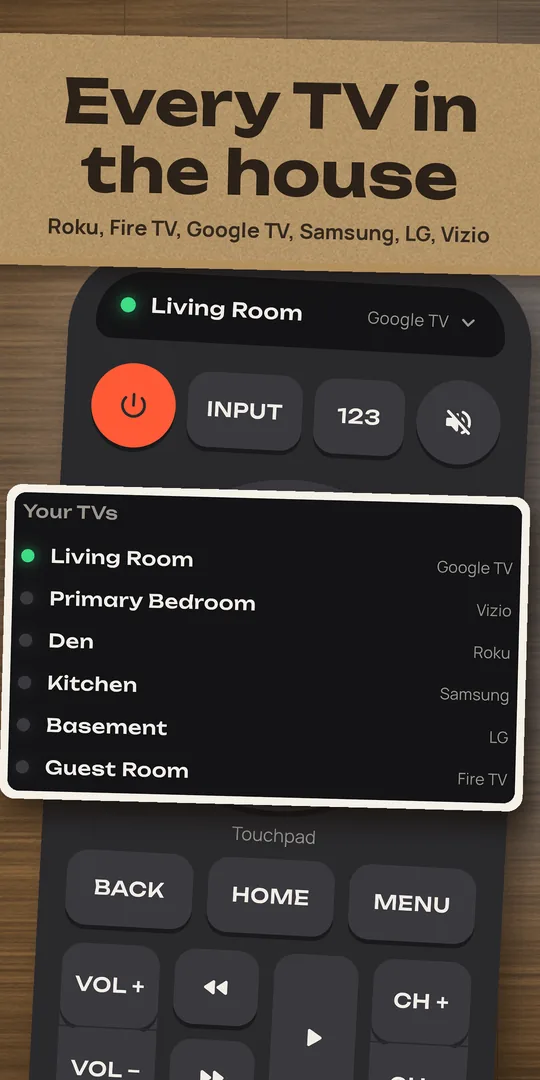
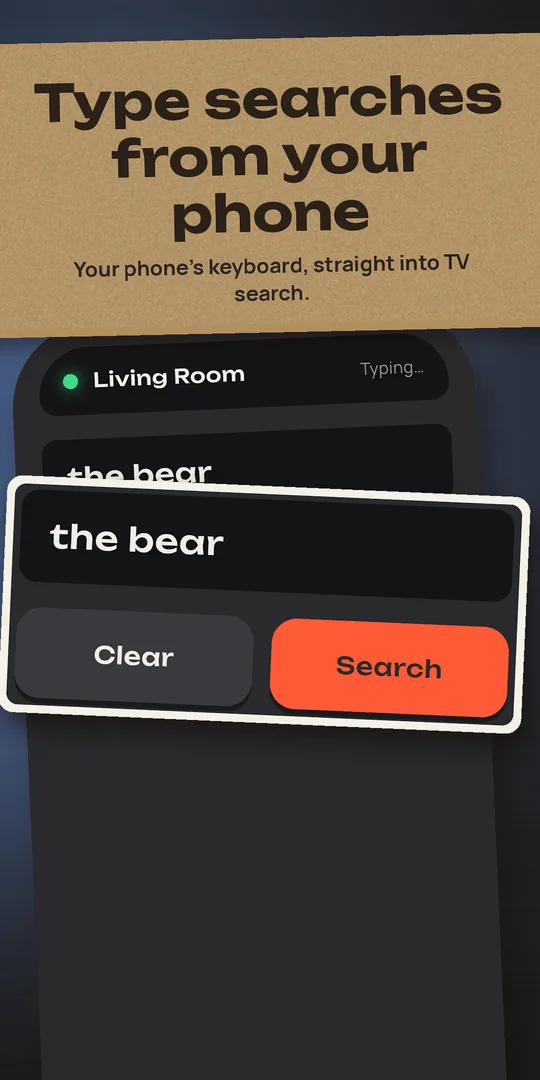
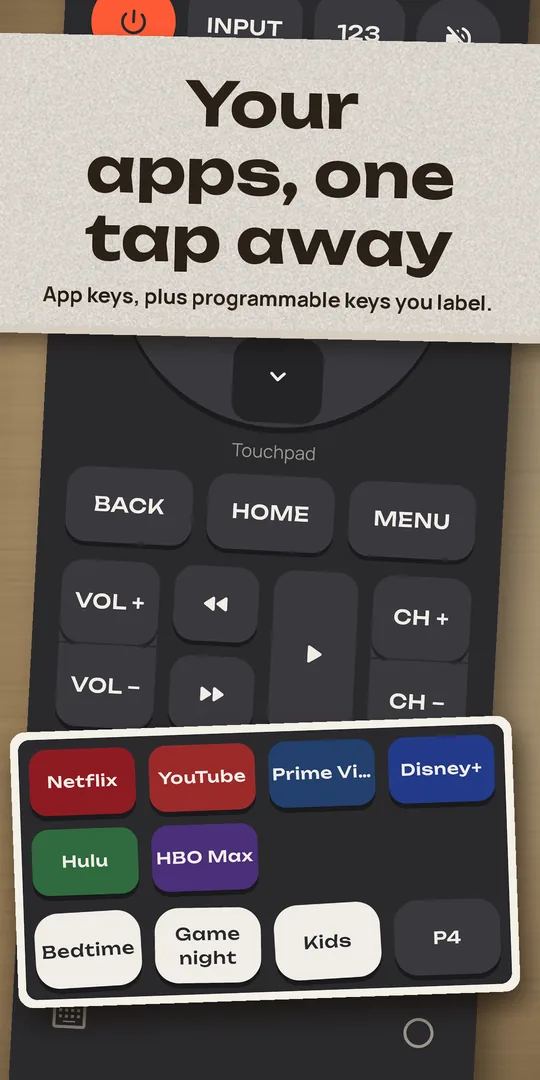
Every TV in the house with one tap to switch, a keyboard that types straight into the TV’s search box, your TV’s apps as one-tap keys, touchpad mode, programmable keys and a home-screen widget.
One purchase. No subscription, nothing to cancel. Google Play shows the price.
🎁 A free month for you and a friend
Invite a friend from the Plain TV Remote phone app and you both get 30 days of Plain TV Remote Pro, free.
- Install Plain TV Remote on your phone.
- Open Invite a friend and share your code.
- Got a code from a friend? Enter it under Have an invite code? within 14 days of installing.
Invites are redeemed in the phone app. How invites work
TV remote app questions
Is there a TV remote app with no ads?
Yes. Plain TV Remote has no ads at all, in the free remote and in Pro, and no sign-in. It is a remote, not an ad slot.
Is the TV remote app free?
One TV is free forever, with every key on the remote. Plain TV Remote Pro is one purchase (no subscription, no trial that turns into a charge) for every TV in the house, the keyboard, app keys, the touchpad, programmable keys and the home-screen widget. Google Play shows the price.
Can I use my phone as a TV remote?
Yes, for any smart TV on your Wi‑Fi that runs Roku TV, Fire TV, Google TV or Android TV, Samsung Tizen, LG webOS or Vizio SmartCast. Put the phone on the same Wi‑Fi, open Plain TV Remote, tap the TV and pair it once. How to use your phone as a TV remote.
Is it a universal remote app?
It is one remote app for the six smart TV systems almost every TV sold today runs, so one app covers a Samsung in the living room, a Roku TV in the bedroom and a Fire TV Stick in the den. It does not use infrared, so it cannot control older TVs that are not smart TVs.
Which TV brands does it work with?
Samsung, LG, Vizio, Sony, TCL, Hisense, Insignia, onn., Westinghouse, Element, Philips, Sharp, JVC, RCA, Sanyo, Magnavox, Hitachi, Toshiba, Pioneer, Panasonic (Fire TV models), Grundig, Xiaomi, Skyworth and Polaroid, plus Roku players, Fire TV Sticks, Chromecast with Google TV and Nvidia Shield. See every brand.
I lost my TV remote. Will this work?
If the TV is on your Wi‑Fi, yes: install the app, put the phone on the same Wi‑Fi and tap the TV. Roku TVs need no code; others show a code or an Allow prompt on screen once. Roku and Fire TV can even make a lost remote ring. Lost TV remote: what to do.
Can it turn my TV on?
Yes, on TVs that keep their network on while off: Samsung (Power On with Mobile), LG (TV On With Mobile), Google TV and Android TV, Roku TVs (Fast TV start) and Vizio (Quick Start). How to turn on a TV without the remote.
Does it work without Wi‑Fi?
No. Plain TV Remote talks to the TV over your home network and has no infrared, so the phone and the TV must be on the same Wi‑Fi.
Is it on iPhone?
Not yet. Plain TV Remote is on Android.
TV remote guides
How to use your phone as a TV remote
Same Wi‑Fi, find the TV, pair once: the steps for every brand.
Lost remoteLost the TV remote? Control your TV without it
What to do tonight, and how to find the remote.
PowerHow to turn on a TV without the remote
The TV button, HDMI-CEC, and Wake-on-LAN from your phone.